Are you looking for the best Elementor alternatives? If you are, keep reading this post. Here, we are going to show you the top 7 Elementor alternatives you need to try!
Elementor is widely used for building WordPress pages, but it doesn’t suit every workflow or performance requirement.

Many site owners now look for Elementor alternatives that offer faster load times, cleaner code output, simpler editing experiences, or greater design flexibility without relying heavily on add-ons. Some alternatives focus on visual freedom, while others prioritize speed, developer control, or native WordPress compatibility.
In this guide, we explore the best Elementor alternatives for creating modern, responsive, and visually appealing page designs without compromising usability or site performance.
First, let’s see what Elementor has to offer.
Elementor: An Introduction

Elementor is a widely used drag-and-drop page builder for WordPress that helps users create custom layouts without coding.
It features a real-time visual editor, a broad range of widgets, and a large template library for designing landing pages, blogs, and business websites. Its flexibility makes it suitable for beginners and advanced users alike.
However, as websites grow more complex, some site owners notice increased page size, heavier scripts, and slower load times.
These concerns, along with licensing costs and design limitations in certain scenarios, lead many users to look for Elementor alternatives that deliver similar design control while offering improved performance, simpler workflows, or better compatibility with modern WordPress themes and optimization practices.
What to Look for In Elementor Alternatives
Choosing the right Elementor alternatives requires focusing on performance, flexibility, and long-term usability rather than just visual features.
- Design and layout control: Look for Elementor alternatives that offer drag-and-drop editing, responsive controls, and a wide range of blocks or widgets for building complex layouts.
- Performance and clean code: A good alternative should generate lightweight, optimized code to improve loading speed and support better SEO outcomes.
- Theme and plugin compatibility: Ensure the builder works smoothly with popular WordPress themes and essential plugins without conflicts.
- Ease of use and workflow: Elementor alternatives should have an intuitive interface that reduces the need for extra add-ons and shortens the learning curve.
- Updates and support: Choose a solution with active development, regular updates, and dependable support, especially if you plan to migrate from Elementor.
Best 7 Elementor Alternatives You Need to Try
| Plugin | Ease of Use | Design Flexibility | Performance | Pros | Cons |
|---|---|---|---|---|---|
| GenerateBlocks | Easy | High (block-based) | Excellent | Lightweight and fast | Limited ready templates |
| Beaver Builder | Very easy | Good | Good | Stable and reliable | Add-ons cost extra |
| Divi Builder | Moderate | Very high | Good | All-in-one builder | Can be heavy |
| Brizy | Easy | Good | Good | Intuitive UI | Fewer advanced features |
| Oxygen Builder | Moderate | Very high | Excellent | Clean code, performance | Steeper learning curve |
| Visual Composer Website Builder | Easy | Very high | Good | Flexible layout tools | Template library subscription |
| Thrive Architect | Easy | Good | Good | Conversion-focused | WordPress-only |
Let’s take a closer look at each option below.
1. GenerateBlocks
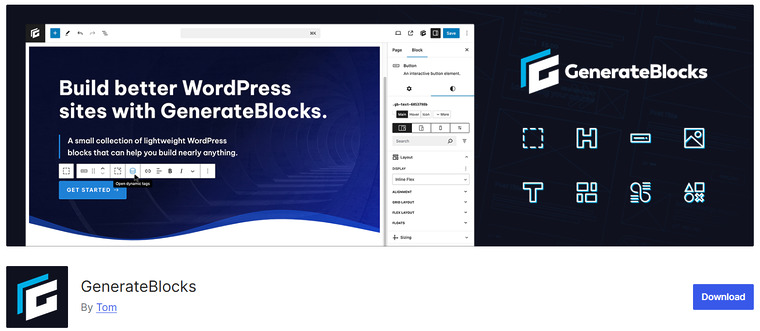
GenerateBlocks is a lightweight block-based design plugin built specifically for the WordPress block editor. It is a popular choice among users who prefer performance-focused Elementor alternatives that do not rely on heavy visual builders.
Instead of using a separate page builder interface, GenerateBlocks extends the default editor with flexible layout blocks that can be styled using advanced controls. It is well-suited for creating structured layouts, landing pages, and custom sections while maintaining page speed and code quality.
GenerateBlocks integrates tightly with WordPress core features and works especially well with performance-oriented themes. Because it relies on native blocks, content remains portable and less dependent on shortcodes or proprietary layouts, making it a future-proof option for long-term projects.
Features
- Advanced container, grid, and button blocks
- Flexbox-based layout system
- Global styles and reusable design elements
- Native integration with the WordPress editor
- Optimized for fast loading pages
Pros
- Extremely lightweight and performance-friendly
- No shortcode lock-in
- Works seamlessly with block themes
- Ideal for clean and structured layouts
Cons
- Not a true visual page builder like Elementor
- Requires basic understanding of layout concepts
- Fewer prebuilt templates compared to builders
Pricing
GenerateBlocks offers a free version. The premium plan starts at $99 per year.
2. Beaver Builder
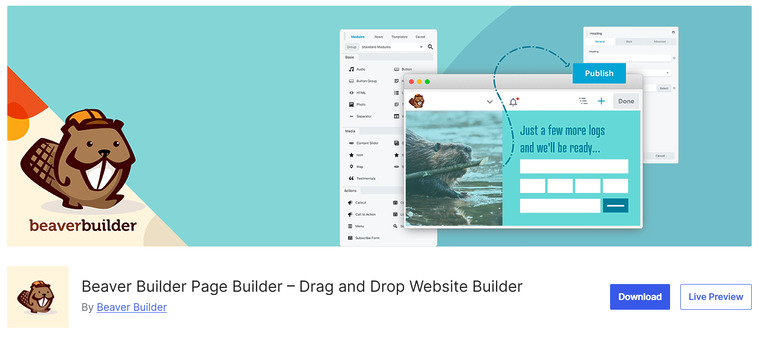
Beaver Builder is a WordPress page builder plugin designed for users who want a stable and beginner-friendly visual editor. It is widely considered one of the most reliable Elementor alternatives for building custom layouts without touching code.
The plugin provides a real-time front-end editing experience, allowing you to drag and drop rows, columns, and content modules directly onto the page. Beaver Builder focuses on clean code output and long-term compatibility with WordPress updates, which helps reduce layout breakage and conflicts.
It works well with most themes and supports responsive design controls for different screen sizes. Because all premium plans allow unlimited site usage, it is especially suitable for freelancers, agencies, and developers managing multiple WordPress websites.
Features
- Front-end drag-and-drop visual editor
- Responsive layout controls
- Works with almost any WordPress theme
- WooCommerce compatibility
- Unlimited site usage on premium plans
Pros
- Clean and lightweight code output
- Stable and reliable performance
- Easy to learn for beginners
- Suitable for multi-site projects
Cons
- Fewer design widgets than some competitors
- Advanced design styling is limited without add-ons
Pricing
Beaver Builder offers a free version. Premium plans start at $89 per year and go up to $546 per year, depending on features and support level.
3. Divi Builder
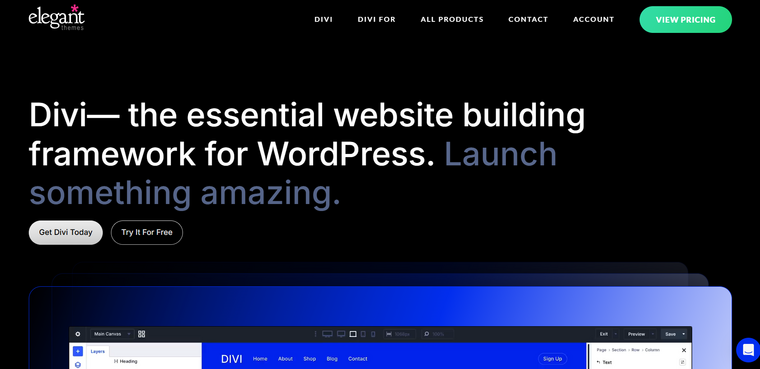
Divi Builder is a visual WordPress page builder designed to help users of all skill levels create custom layouts with a versatile drag-and-drop interface. It is one of the compelling Elementor alternatives, offering a comprehensive design system with modules for text, images, sliders, forms, and more, all of which are editable in real time.
Divi Builder features a responsive design interface so you can adjust layouts for desktop, tablet, and mobile views. It also includes a large collection of prebuilt layouts and design packs to speed up page creation.
While it works best with its companion theme, it is also compatible with most WordPress themes. Divi’s strength lies in its balance of visual design flexibility and built-in tools that reduce the need for additional plugins.
Features
- Visual drag and drop design interface
- Large library of prebuilt layouts
- Responsive design settings
- Built-in design modules for common elements
- Seamless theme integration
Pros
- Very versatile and flexible for layout design
- Huge template library
- Built-in elements reduce reliance on additional plugins
- Works with most WordPress themes
Cons
- Generates more markup compared to lightweight builders
- Can feel heavy on slower hosting environments
Pricing
Divi Builder is available as part of an annual subscription starting at $89.
4. Brizy
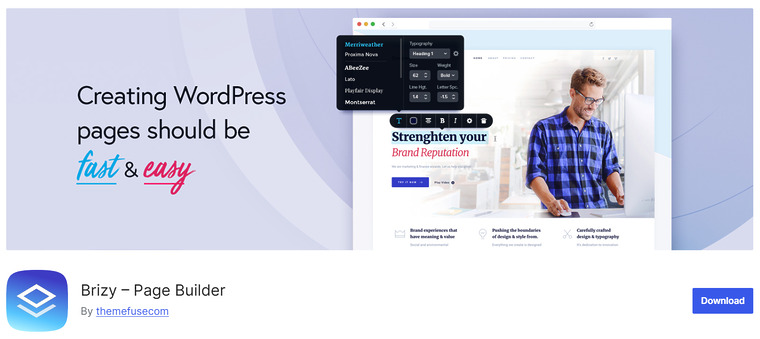
Brizy is a modern WordPress page builder that offers a clean and intuitive visual design experience, making it a strong contender among Elementor alternatives.
Its drag-and-drop interface is built for speed and simplicity, allowing users to create landing pages, sales pages, and custom layouts without writing code. Brizy includes a growing library of predesigned blocks and layouts that help accelerate page creation, and its inline editing tools make text and content adjustments feel natural and efficient.
While Brizy offers fewer advanced modules than some competitors, it strikes a balance between user-friendly design and essential customization options. It’s a good choice for bloggers, small business owners, and anyone who wants a visual builder that’s easy to use and doesn’t overwhelm with options.
Features
- Visual drag and drop editor
- Prebuilt blocks and templates
- Inline text and content editing
- Responsive design controls
- Global styling options
Pros
- Very easy to use for beginners
- Clean and minimal interface
- Good selection of starter layouts
- Works well with most themes
Cons
- Fewer advanced design modules
- Some features behind the premium plan
Pricing
Brizy offers a free version with core tools. Premium plans start at $59 per year.
5. Oxygen Builder
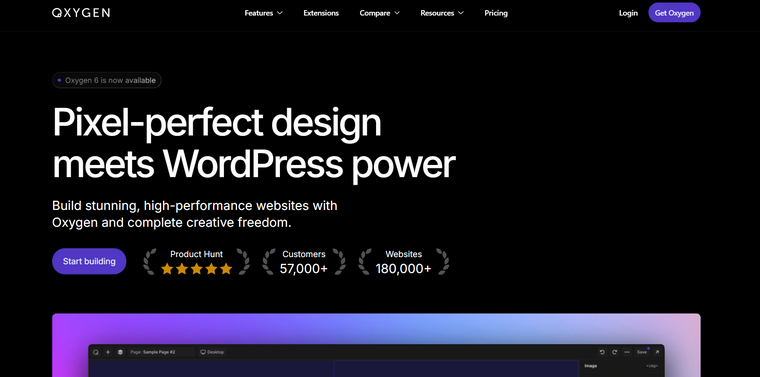
Oxygen Builder is a powerful WordPress visual design tool aimed at developers and advanced users who want deep control over every aspect of page and site layout.
Unlike traditional page builders that add elements via shortcodes, Oxygen Builder outputs clean, minimal code for faster performance and improved SEO, making it a strong contender among Elementor alternatives for performance-focused projects.
It combines visual editing with advanced features such as custom CSS, dynamic data binding, and design sets to build complex templates and full-site designs.
Because it replaces the theme front end entirely, Oxygen offers unmatched design flexibility, but this also means a steeper learning curve for beginners. It is ideal for users who want full creative control, optimized output, and reduced reliance on third-party plugins.
Features
- True visual design with clean code output
- Advanced layout and dynamic data controls
- Custom CSS and global design sets
- Full site templating, including headers/footers
- Performance-optimized rendering
Pros
- Extremely flexible and developer-friendly
- Optimized for speed and clean markup
- Comprehensive design control across the site
Cons
- Steeper learning curve for beginners
- Not as beginner-friendly as other builders
Pricing
Oxygen Builder is sold with a yearly license starting at $129.
6. Visual Composer
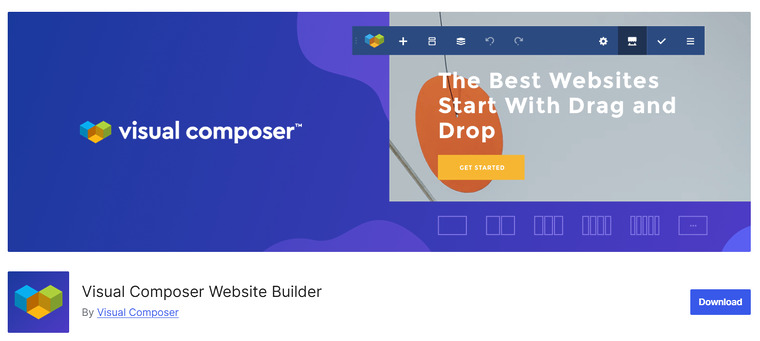
Visual Composer Website Builder is a flexible WordPress page builder designed to help users build professional layouts with a visual interface.
As an effective Elementor alternative, it offers a drag-and-drop editor that works alongside the WordPress block editor or as a standalone interface, allowing you to customize headers, footers, and page content without coding.
It includes a wide range of ready-made elements and templates that help speed up design tasks, and its layout options let you control spacing, backgrounds, animations, and responsive behavior across devices.
Visual Composer also supports extensions for additional functionality, making it a scalable choice for sites that need design flexibility without heavy developer intervention.
Features
- Visual drag and drop editor
- Header and footer design support
- Prebuilt templates and content elements
- Responsive design controls
- Extension ecosystem for added modules
Pros
- Flexible design capabilities
- Works with many WordPress themes
- Good balance of features and performance
Cons
- Can feel overwhelming for total beginners
- Some features require premium extensions
Pricing
Visual Composer offers a free core plugin. Premium plans start at $49 per year for a single site.
7. Thrive Architect
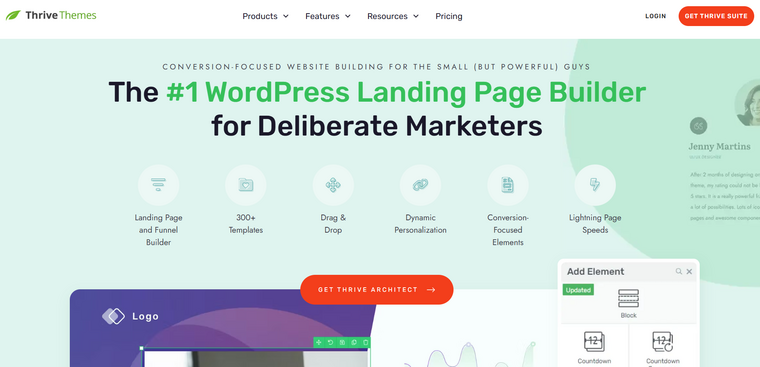
Thrive Architect is a conversion-focused WordPress page builder designed to help content creators and marketers build high-impact landing pages and sales funnels.
As one of the practical Elementor alternatives, it emphasizes direct visual editing, with a large collection of conversion-optimized elements, including call-to-action buttons, countdown timers, and lead-generation forms.
Unlike some builders that prioritize general design, Thrive Architect provides tools tailored for audience engagement and conversions. Its drag-and-drop interface is intuitive, allowing users to adjust layouts, styling, and responsive behavior in real time without coding.
While it may not have as broad a template library as some competitors, its strength lies in marketing-focused components that directly increase leads and sales on your pages.
Features
- Visual drag and drop editor
- Conversion-focused content elements
- Responsive control for devices
- Landing page and funnel templates
- Built-in animation and styling tools
Pros
- Designed for conversion-oriented pages
- Intuitive interface with minimal learning curve
- Strong integration with email and lead-gen tools
- Good mobile-responsive controls
Cons
- Not ideal for general page building outside funnels
- Smaller community compared to more popular builders
Pricing
Thrive Architect is a premium plugin that costs $99 a year.
Frequently Asked Questions
Now, let’s take a look at some frequently asked questions and answers about this topic.
What are Elementor alternatives?
Elementor alternatives are WordPress page builders and block-based plugins that let you design layouts and pages without using Elementor, often focusing on better performance, cleaner code, or different design workflows.
Why should I consider switching to Elementor alternatives?
Many users choose Elementor alternatives to improve site speed, reduce plugin bloat, gain more design control, or avoid vendor lock-in while still building professional page layouts.
Are Elementor alternatives beginner-friendly?
Yes, most Elementor alternatives are designed for non-technical users and provide drag-and-drop editing, visual previews, and prebuilt blocks or templates to simplify page creation.
Do Elementor alternatives work with any WordPress theme?
Most Elementor alternatives are compatible with standard WordPress themes, especially lightweight themes built for performance and modern block-based editing.
Are Elementor alternatives better for SEO and performance?
Some Elementor alternatives generate cleaner HTML and load fewer scripts, which can improve page speed and, in turn, support better SEO results.
Can I recreate existing Elementor designs using Elementor alternatives?
You can rebuild similar layouts with Elementor alternatives, but designs cannot be imported directly, so pages usually need to be recreated manually.
Are Elementor alternatives free or paid?
Many Elementor alternatives offer free versions with core features, while advanced design tools, templates, and integrations are typically included in premium plans.
Conclusion
Choosing the right Elementor alternatives depends on your priorities for page design, performance, and workflow.
If you want a lightweight, performance-first solution, GenerateBlocks is an excellent choice thanks to its minimal code output and block-based flexibility. For users seeking a full visual builder that’s easy to use, Beaver Builder and Brizy offer intuitive drag-and-drop interfaces with good design controls.
If you need advanced design freedom and deep customization, Divi Builder and Oxygen Builder provide powerful tools for complex layouts and developer-oriented workflows.
Visual Composer Website Builder is great for users who want extensive layout options with ready-made elements, while Thrive Architect works well for conversion-focused pages like landing pages and funnels.
Overall, each alternative presents a unique strength; you can match the plugin to your design needs and performance goals.
Which plugin are you going to choose?
Let us know in the comments.